Apps and Tech to Help You Stay Productive and Creative on the Go
TechnologyBusinessCreative
February 10, 2025 11:09 AM Editor Isaias J
I love being out in the world. I’m an entrepreneur, photographer, and content creator. I had someone ask if I was always on the go—sometimes yes. When I am, it is very important to be connected to different tech that helps me work seamlessly from any device. Here are some apps I recommend to carry with you.

Editing on the Go
These apps I use consistently as a photographer and editor.
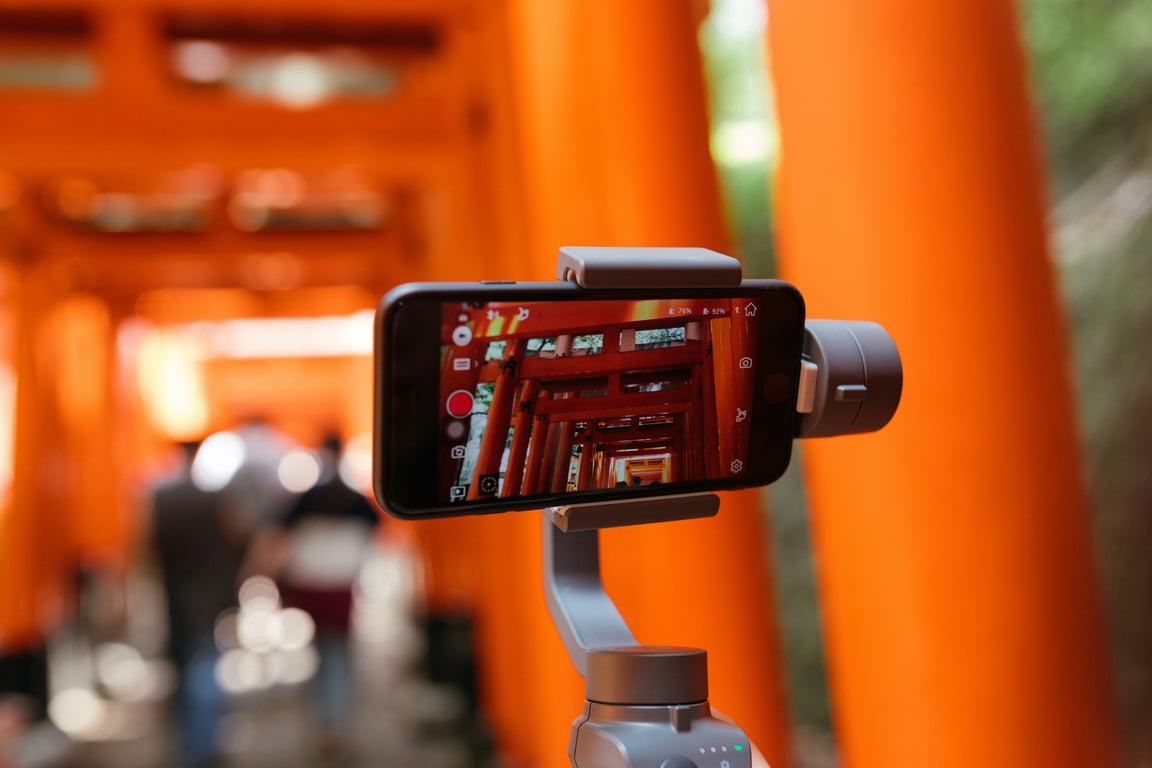
- Premiere Rush by Adobe - I use this occasionally when Instagram or TikTok cuts just don’t do it. It has similar features to the actual Premiere Pro.
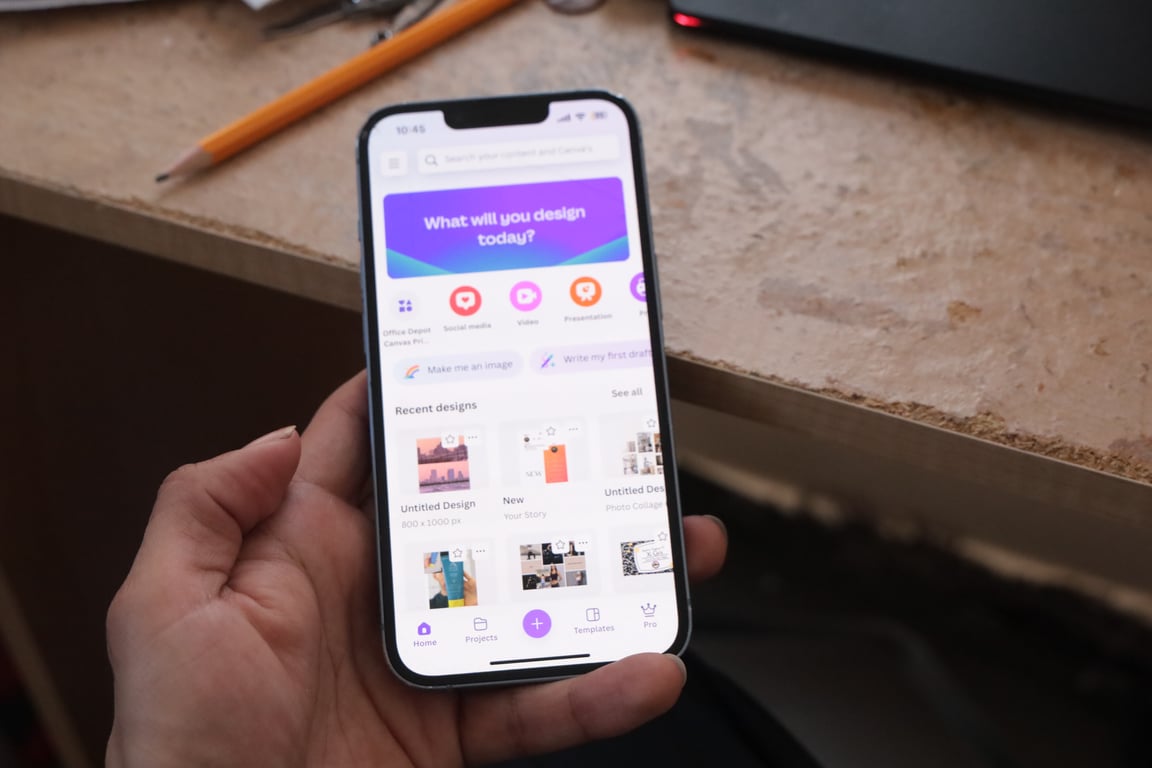
- Canva - Super useful for creating graphics. My favorite features are the text/typography tools.
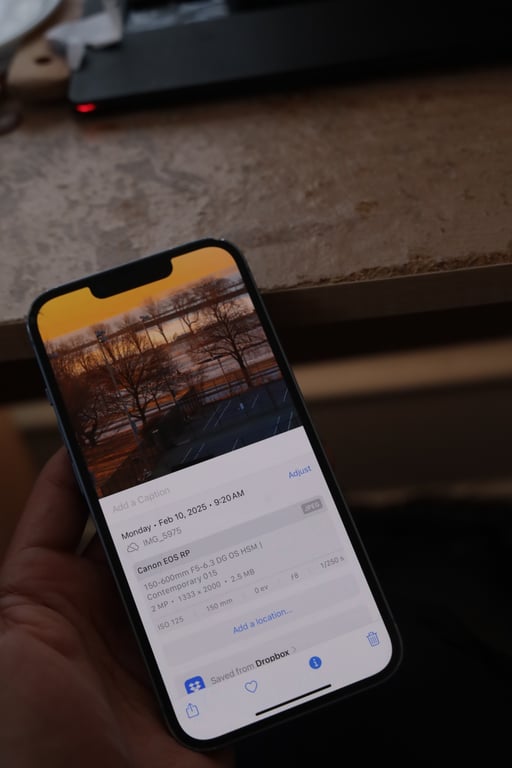
- Photos App - Included on Apple iPhones. Once you understand lighting, you can make an edit similar to Lightroom. Very fast to use.
- Lightroom - Many advanced features like masks and object removal on mobile.
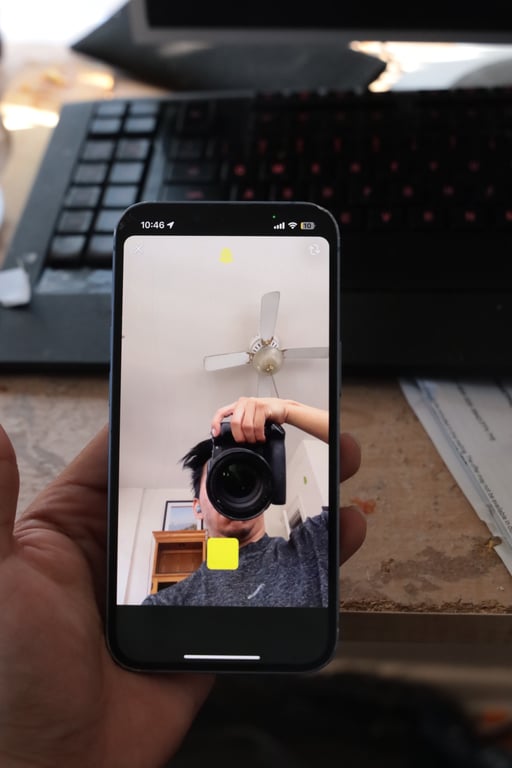
- Snapchat - The camera is phenomenal. The ability to lock the record button and listen to music while recording is a big plus.
Google Suite -
Productivity & Note Taking
When you have many projects and people to communicate with, efficiency is key.
- Notes - Apple Notes is super helpful, especially with iCloud activated.
- Dropbox - Cloud storage for uploading photographs and accessing important files anywhere.
- Google Suite - Cloud-based access to documents, spreadsheets, and forms.
- Microsoft Suite - I mainly use Excel for its advanced features over Google Sheets.
- Photos App Storage - I have 1 TB of Apple storage, useful but slower than Dropbox and Google Drive.

Travel and Delivery Services

- Uber - I have Uber One, which saves a little on costs. I use uber pretty frequently. For long trips around ~30 minutes can be perfect for getting work done and editing with any of the tools mentioned above
- Lyft - Backup plan when Uber is down.
- Doordash - Great for food and last-minute items. Did you know they have target? I've had a few equipment parts ordered while on set.
Payments
While not going into personal finance, I try to keep finances available.
- Apple Cards - Fast and easy.
- Venmo - A must-have.
- Cash App - Also essential.
- PayPal - Easy customer payment system.
- Zelle - Many people use this.
Website Setup and Other
- Camera Connect - Canon - Great for transferring and editing DSLR photos on my phone.
- Fiverr Mobile - Stay connected with freelancers and manage projects on the go.
- Koder - For quick HTML and other coding needs with website FTP.
